Direct answer
Direct answer
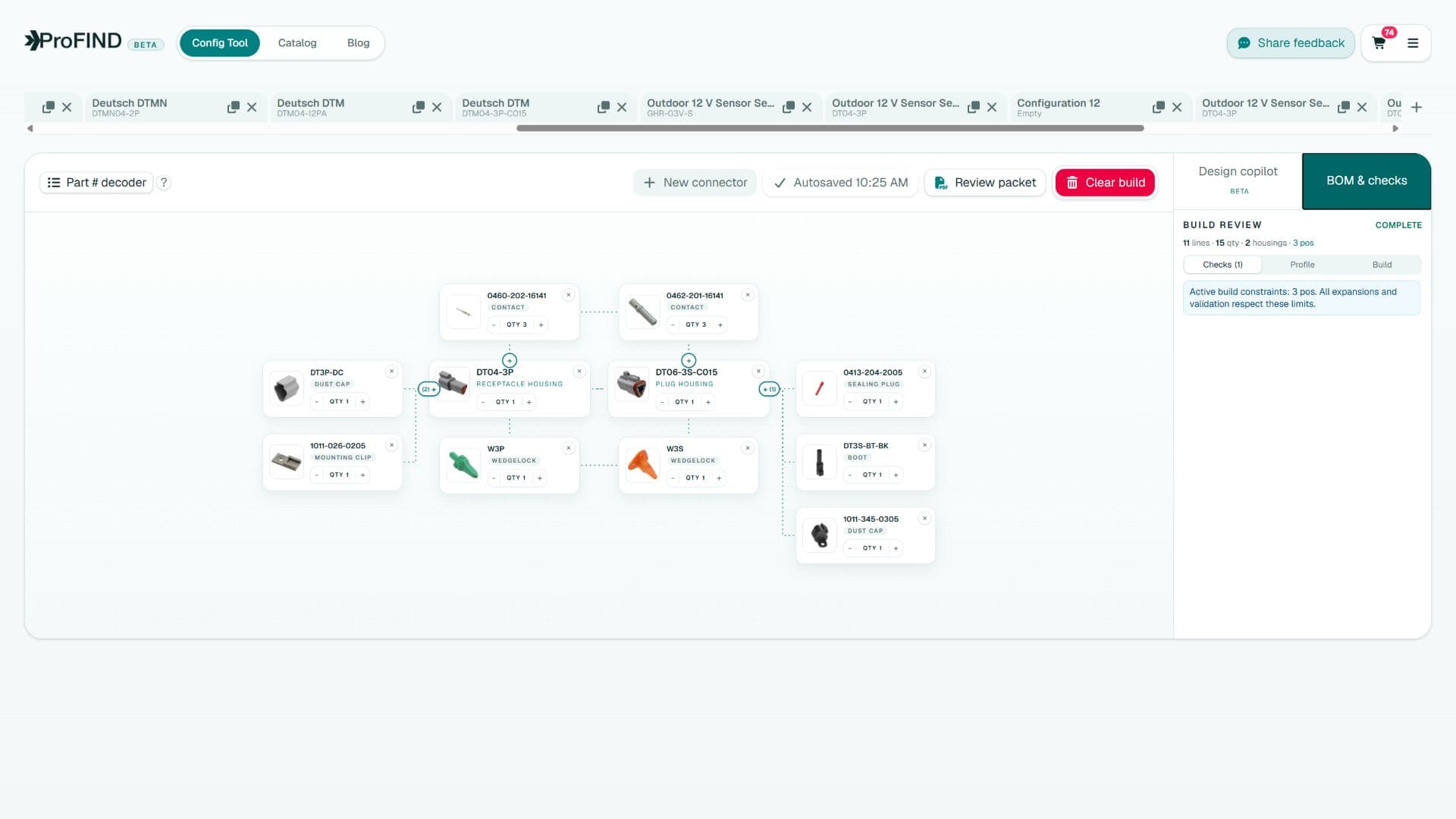
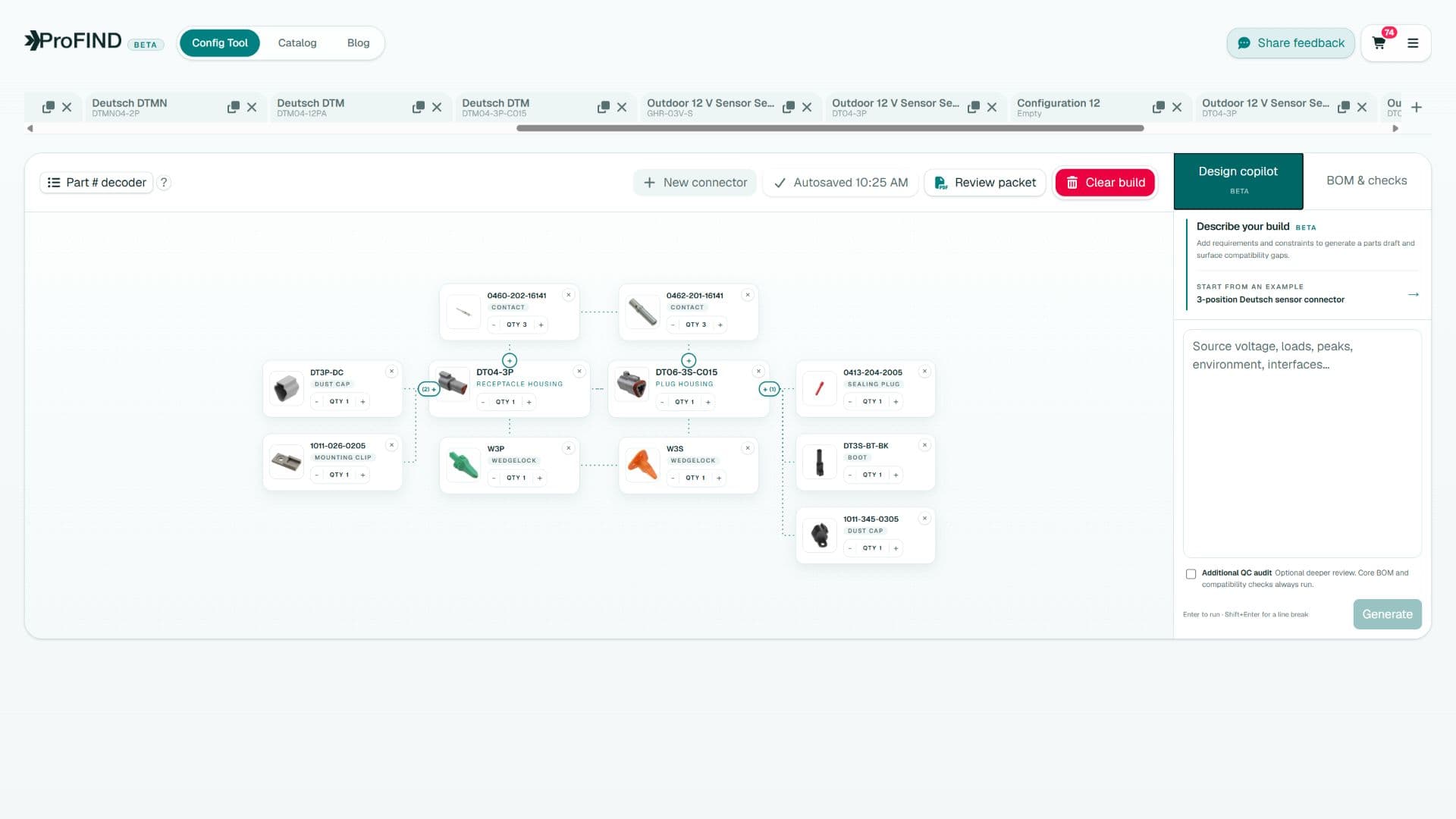
In ProFind’s node builder, start a configuration from a connector family or exact part, use the contextual + actions to add only relationship-valid mates, contacts, retention parts, accessories, or tooling, inspect the graph for missing or conflicting nodes, and review the generated BOM before checkout or export. Each edge records why two components belong together.
Key takeaways
- Start from the known interface or most constrained component.
- Add parts through typed relationships instead of unstructured catalog search.
- Use the graph to expose missing opposite-side parts and unsupported accessories.
- Finish with a circuit, assembly, procurement, and documentation review.
Why a graph is better than a shopping list
A flat list can contain individually real parts that do not form a valid connection. A graph makes the engineering claims explicit: housing A mates with housing B; housing A accepts contact C; retention part D belongs to housing B; tool E terminates contact C. If a line cannot be connected by a supported relationship, it is not ready for the BOM.
This is especially useful when two sides use different contacts or locks, when an accessory fits only one housing variant, or when a family offers several key codes under similar descriptions.
Start a new connector configuration
- Open Config Tool and choose New connector.
- Select a product line, then choose the family-specific attributes shown by the picker.
- If you already know an MPN, search or seed the configuration from that exact part.
- Confirm the root node’s family, role, positions, keying, and modifications before expanding it.
- Name and save the configuration so later changes remain reviewable.
Choose the physically constrained side—often a device header or existing harness connector—as the root whenever possible.
Expand only the relationship you need
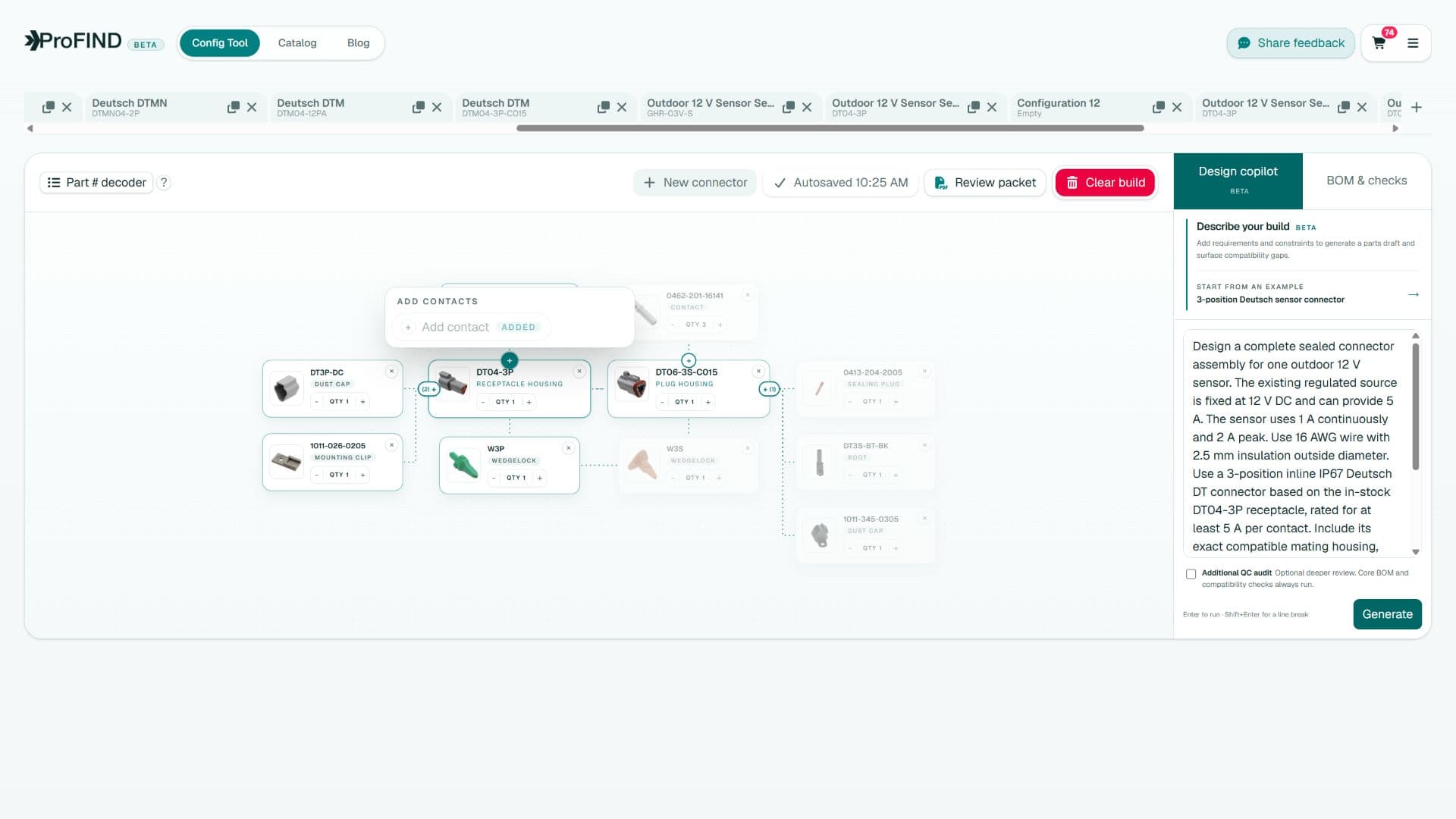
The + control is contextual to the selected node. This keeps the search question precise: “what locks this housing?” is safer than “show me Deutsch locks.”
| Action | Expected result | Review focus |
|---|---|---|
| Add mate | Complementary housing | Positions, key, latch, interface |
| Add contacts | Compatible terminal set | Wire, current, finish, side |
| Add retention | Wedgelock, TPA, or CPA | Housing and position specificity |
| Add accessory | Boot, backshell, cap, clip | Exact fit and installation envelope |
| Add tooling | Crimp or removal tool | Exact terminal and production method |
Read the canvas as a design review
- Does every housing have the intended mate or documented reason to remain exposed?
- Does each populated side have contacts that fit the planned production wire?
- Are keying and position counts consistent across the mating edge?
- Are required locks, seals, cavity plugs, and strain-relief parts represented?
- Does each contact have suitable crimp and service tooling?
- Are any nodes marked unresolved, provisional, or in need of attention?
Review the BOM before release
The BOM view collapses the graph into procurement quantities while preserving configuration context. Compare it with the schematic, cavity map, wire list, and mechanical routing. Remove speculative alternatives, document approved substitutes, and confirm current manufacturer drawings before purchase.
A saved configuration can also become a communication artifact: a student can show a faculty reviewer how the connection was assembled, and a supplier or manufacturing engineer can challenge one relationship without rebuilding the whole search.
Quick answers
Frequently asked questions
What is a connector node builder?
It is a visual tool that represents connector parts as nodes and verified compatibility or assembly relationships as edges, making a complete system easier to construct and review.
Can ProFind generate a connector BOM?
Yes. The node graph can be reviewed as a bill of materials containing the selected housings, contacts, retention parts, accessories, and related components.
Does the node builder replace drawing review?
No. It accelerates configuration and exposes reasoning, while current manufacturer drawings and application specifications remain the final design authority.
Engineering note
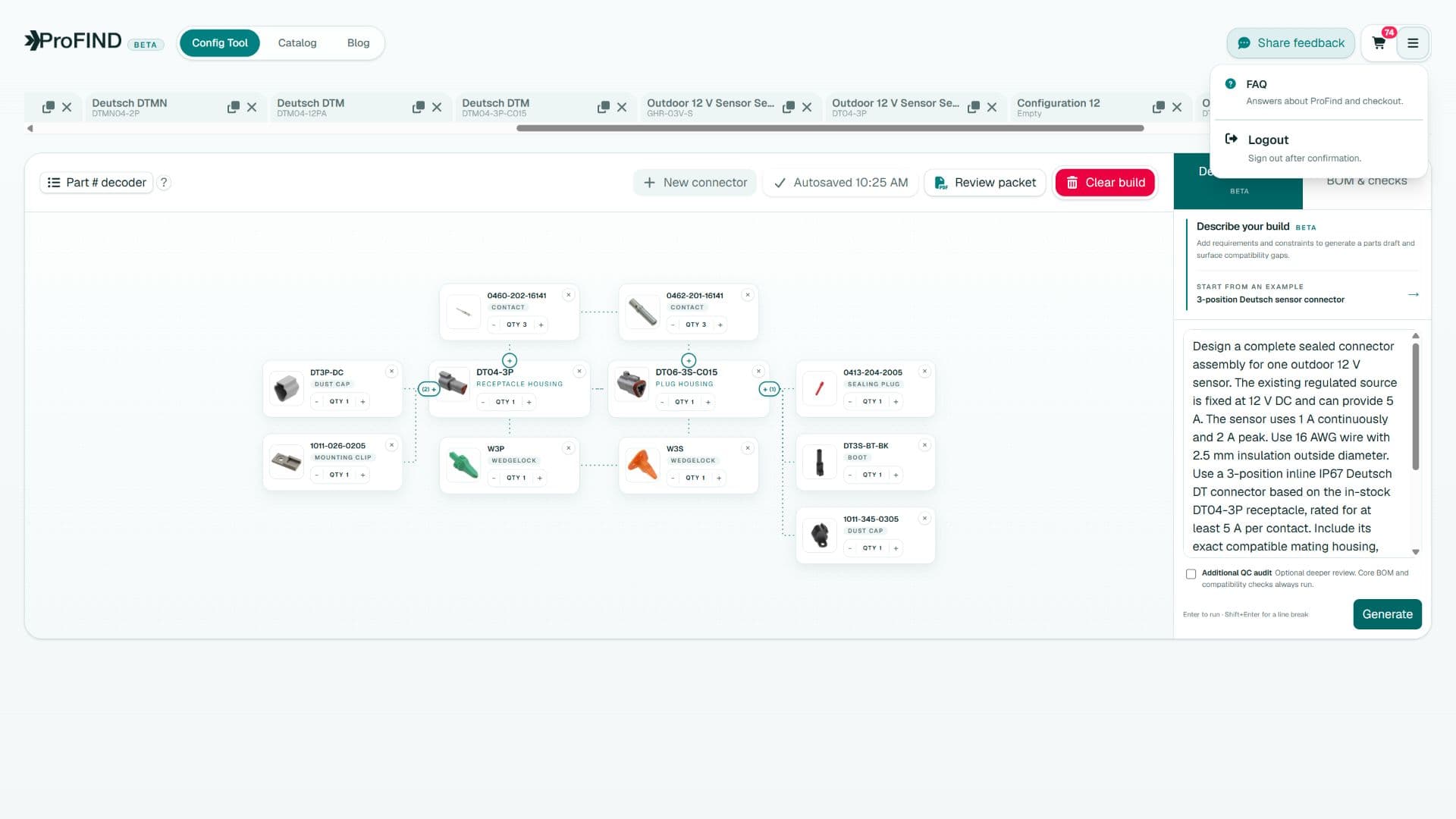
ProFind narrows choices and exposes compatibility reasoning. Always confirm the final assembly against current manufacturer drawings, application specifications, and your organization's validation process.

Written by
Parker Langlois
Founder of ProFind
Parker Langlois is an industrial designer and the founder of ProFind. He is building practical tools that turn connector selection, compatibility checks, and assembly planning into a clear, reviewable engineering workflow.