01
Start with what you know.
Have a part number? Start there. Still exploring? Choose a connector family and the requirements that matter to your build.
One part. One starting point.Connector engineering, connected
The mate. The contacts. The parts you almost missed. Find what fits, see how it connects, and build a reviewable BOM—all in one workspace.
Just exploring? Browse the public catalog
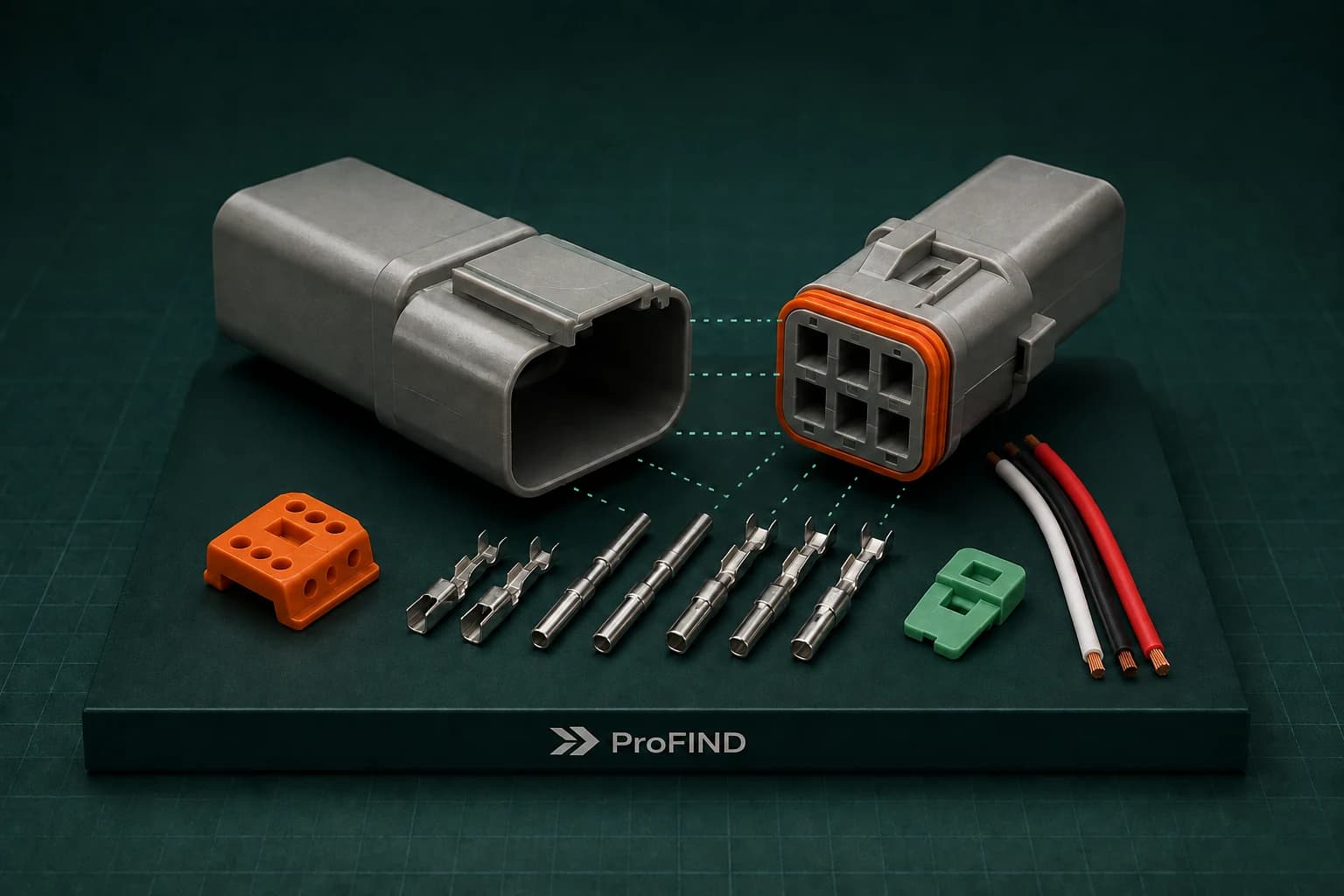
Built around the
families you work with.
The whole assembly. One workspace.
A connector is only the beginning. Bring the parts, their relationships, and your bill of materials into a single, inspectable view.
Connect housings, mates, contacts, locks, and accessories on one canvas. Follow the relationships to understand the whole assembly.
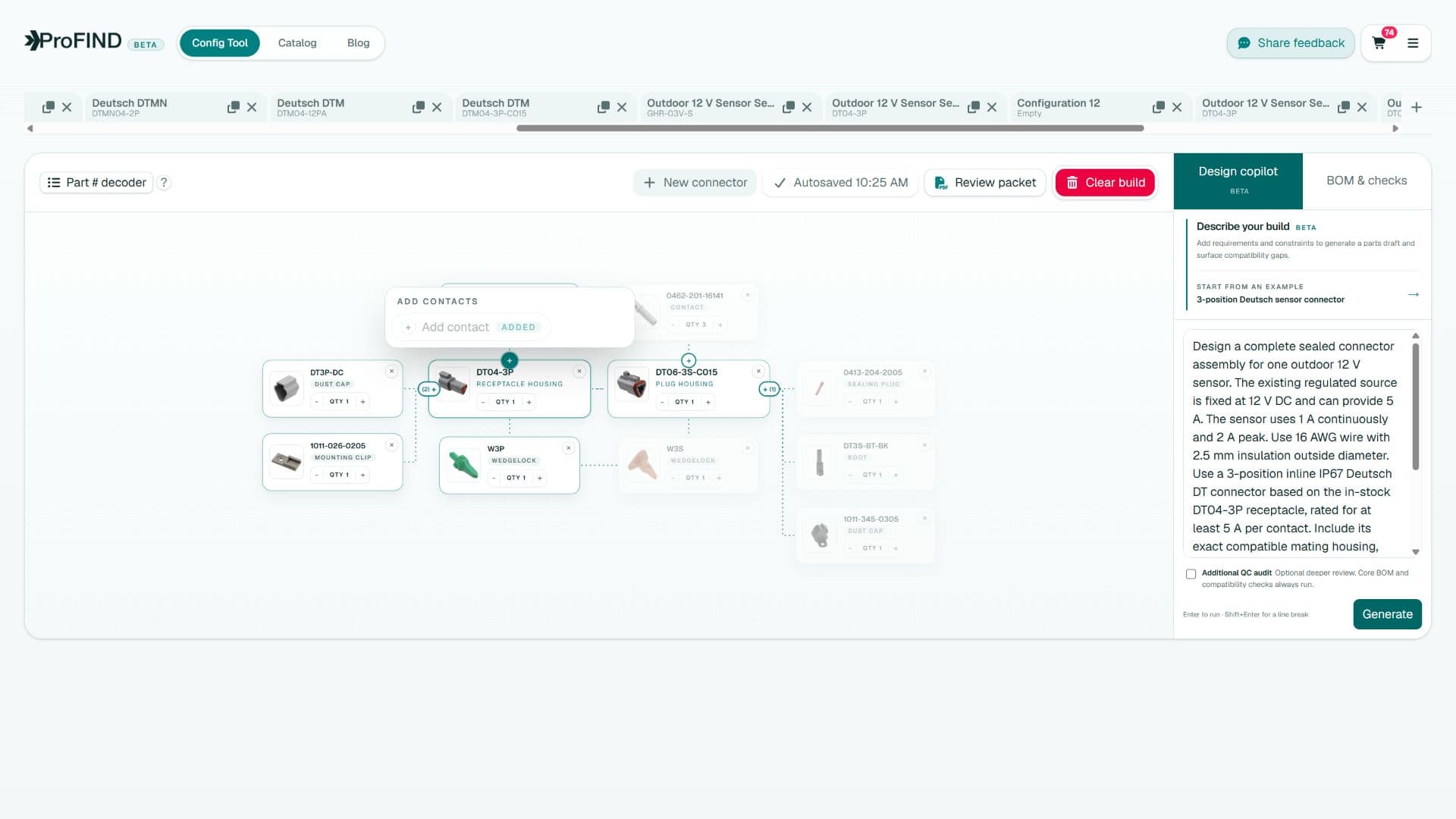
The Config Tool · Visual assembly workspaceActual product view
A clearer path from part to project
Have a part number? Start there. Still exploring? Choose a connector family and the requirements that matter to your build.
One part. One starting point.Find the mate, then add contacts, locks, seals, and accessories. See the relationships as your build takes shape.
Every component, connected.Check the BOM, resolve flagged issues, and save or export your work. Take a clearer parts list into review and purchasing.
A build you can explain.Built for the details that matter
Similar-looking parts can hide different keying, contact sizes, and sealing requirements. ProFind helps make those relationships visible before they become an assembly problem.
Explore the compatibility workflowUse part-number decoding and catalog attributes to understand the connector in front of you.
Resolve mates and accessories with curated rules and manufacturer documentation where available.
See flagged issues, check the evidence, and review the complete build against your application.
ProFind field notes
Practical guides for engineers, builders, and curious minds. From your first connector to a BOM ready for review.
Sourcing and lifecycle9 min read
Create a connector design record that keeps exact MPNs, cavity maps, compatibility evidence, tooling, validation, and future changes synchronized.
Engineering workflows10 min read
Evolve connector choices from bench prototypes to controlled production by adding traceability, tooling, validation, sourcing, assembly, and service evidence.
Engineering workflows9 min read
Turn natural-language circuit, wire, environment, and packaging requirements into a reviewable connector graph with ProFind Design Copilot.
Engineering workflows8 min read
Use ProFind’s visual compatibility graph to start from one connector, add proven mates and accessories, find omissions, and export a reviewable BOM.
Engineering workflows10 min read
Select connectors for mobile robots and machines by separating power, motors, sensors, data, motion, environmental exposure, and field service needs.
Engineering workflows10 min read
Choose, assemble, document, and service connectors for Formula SAE electrical systems under vibration, weather, tight packaging, and team turnover.
Good questions. Clear answers.
A few things you might be wondering.
Visit the help centerFind connector mates and compatible accessories, decode part numbers, and build a complete assembly on a visual canvas. Review its bill of materials, save your builds, and take selected parts through to checkout.
No. Start with a connector family in the Config Tool and select the attributes for your build. If you already have an exact manufacturer part number, use it to look up the part and start from there.
The Config Tool includes families such as DEUTSCH DT, DTM, DTP, and DTHD, AMPSEAL 16, and SUPERSEAL 1.5. Available variants and accessories depend on the family and catalog coverage. Browse the public catalog to explore parts before creating an account.
ProFind combines catalog attributes, manufacturer documentation, curated compatibility rules, and deterministic family logic where available. The workspace surfaces unresolved requirements and possible mismatches so you can review them against the requirements of your application.
Yes. The parts catalog and all Field Notes guides are public. Create an account when you are ready to use the Config Tool and save your assemblies. Signing up uses your email and a password.
Yes. The Config Tool includes a review packet, and checkout supports BOM exports. Review part numbers, quantities, compatibility flags, and the relevant manufacturer documentation before finalizing your build or purchase.
Your next build starts here
Turn the part you have into the assembly you need.


